
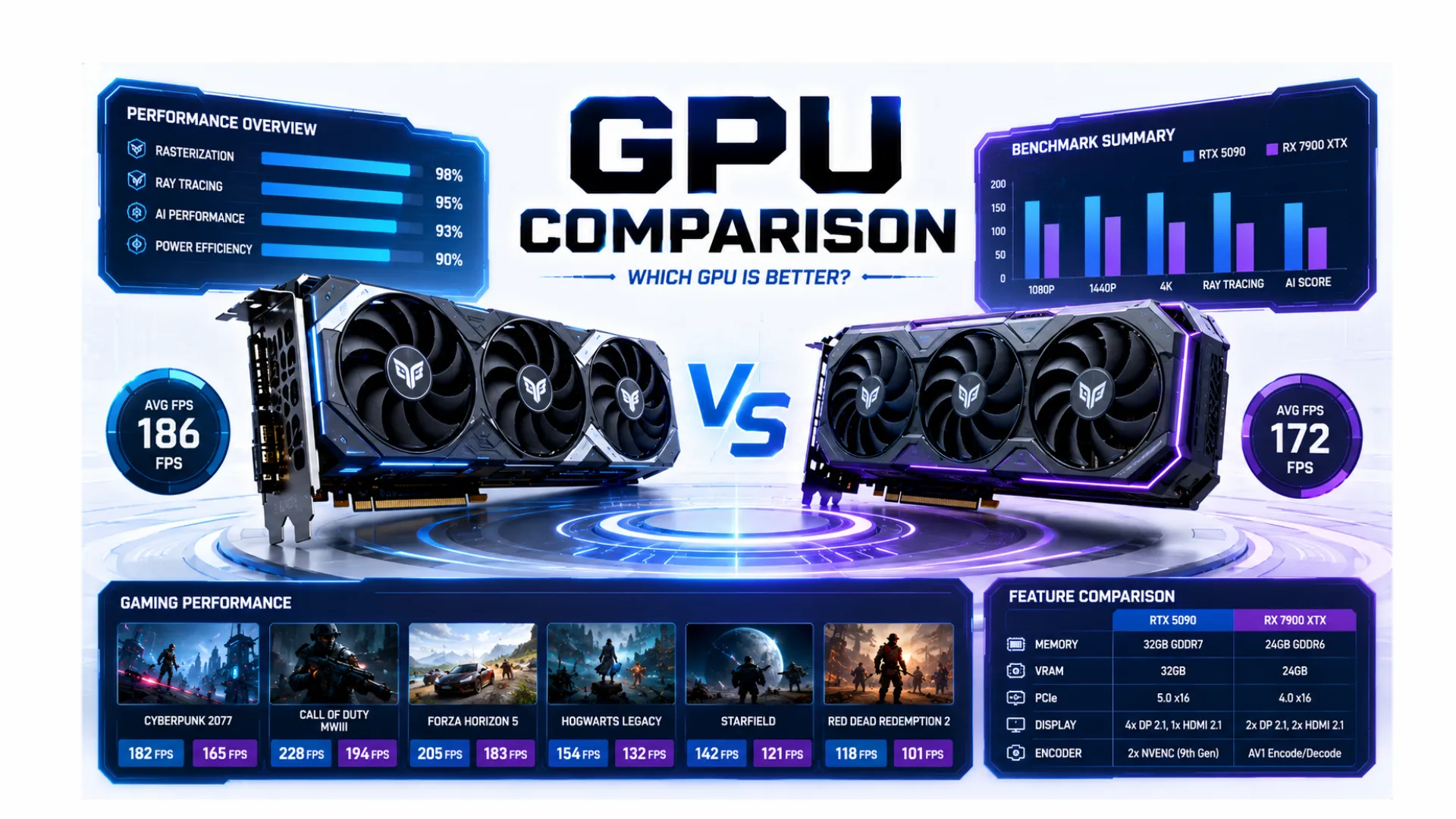
GPU Comparison: How to Compare Graphics Cards the Smart Way
Comparing graphics cards can be confusing. Two cards with similar names can perform very differently, and the highest price is not always the better buy. This GPU comparison guide shows you how to compare graphics cards properly, so you can tell which one truly fits your needs and budget.
We will cover what makes one GPU better than another, how to read a graphics card comparison, the difference between a GPU and a CPU, and a fast way to compare any two cards by score. By the end, you will compare graphics cards with confidence.
How to Compare Graphics Cards the Right Way
When you put one graphics card against another, do not just glance at the price or the name. A proper GPU comparison weighs the few things that actually decide real-world performance. Here is what to look at, in order:
- Performance score or frame rate. The clearest single measure of how fast a card is. Higher means more frames per second.
- VRAM. The card’s own memory. More VRAM helps at higher resolutions and with heavy textures.
- Your resolution. A card that looks strong at 1080p may struggle at 4K, so always compare at the resolution you actually play.
- Generation. A newer card is usually more efficient and often faster than an older one with similar specs.
- Price. The best card is the one that gives the most frames for your money, not the highest number.
The trick is to weigh these against how you play. A 1080p gamer and a 4K gamer will pick different winners from the very same comparison.

A Faster Way: Compare GPUs by Score
Reading raw specs takes time. An easier method is to compare graphics cards using a single performance score, then check the details only if they are close. Our GPU benchmarks and hierarchy page ranks today’s cards with a clear 0 to 100 score, so you can line up any two and see the gap instantly. If two cards sit in the same tier, they will feel similar in real use, and your choice comes down to price, VRAM, and features.
For the comparison that matters most, how a graphics card pairs with your processor, drop both into our bottleneck calculator. It compares the two and tells you which one limits the other, which is the real question behind most graphics card comparisons. To see the frames a card will produce in your games, use the FPS calculator.
What Makes One GPU Better Than Another?
When people ask which is the better graphics card, the honest answer depends on a few clear factors. A card is “better” when it delivers more frames at your resolution, has enough VRAM for your settings, and does it at a fair price. Here is how the main factors compare.
| Factor | What to Compare | Why It Matters |
|---|---|---|
| Frame rate | Average FPS at your resolution | The clearest sign of real gaming speed. |
| VRAM | Amount of card memory | More helps at 1440p, 4K, and high textures. |
| Features | Upscaling and ray tracing support | Modern features boost frames and visuals. |
| Price | Cost versus the frames you gain | Value beats raw power for most buyers. |

GPU vs CPU: What Is the Difference?
A common comparison question is the difference between a GPU and a CPU, so let us settle it. They are both processors, but they do very different jobs. The GPU is a specialist that draws the visuals, using thousands of cores at once, which is perfect for games and video. The CPU is the all-purpose brain that runs the system and your programs, doing a few things very fast.
They are not rivals, they are teammates. The CPU prepares the work and the GPU draws it, so a good PC needs both in balance. You cannot compare a GPU and a CPU directly, since they are measured differently and do different jobs. For the basics of each, see our guides on what is a GPU and what is a CPU, and to understand how they share the load, see what a PC bottleneck is.

Should You Upgrade Your GPU or CPU First?
Since the two work as a pair, people often ask which to upgrade after comparing options. The answer depends on which is holding you back:
- If your graphics card runs near 100 percent in games while your processor sits lower, the GPU is your limit. A better card adds the most frames.
- If your processor is pinned near 100 percent while your graphics card has room to spare, the CPU is your limit instead.
Do not guess. Run your parts through our bottleneck calculator, or check the card directly with the GPU bottleneck calculator. Spending on the wrong part is the most common upgrade mistake.

Nvidia vs AMD: How to Compare the Two Brands
A GPU comparison often comes down to Nvidia versus AMD. Both make excellent graphics cards, so the comparison depends on what you value. Nvidia tends to lead in ray tracing and upscaling features, while AMD often offers more VRAM and strong value at each price.
Rather than picking a brand, compare the specific two cards you are weighing using the score method above, since the individual card matters more than the badge. When you are ready to choose a winner, our best GPU guides can help.
Common GPU Comparison Mistakes to Avoid
A few traps catch people when comparing graphics cards. Steer clear of these:
- Chasing the highest number. A top card is wasted if you game at 1080p or your processor cannot keep up.
- Ignoring VRAM. A cheaper card with too little memory can struggle at higher settings.
- Comparing across generations by name alone. A newer mid-range card can beat an older high-end one.
- Forgetting your resolution. Always compare cards at the resolution you actually play.
Compare with your resolution, your processor, and your budget in mind, and you will pick the right graphics card every time.
Frequently Asked Questions
How do I do a GPU comparison?
Compare frame rate at your resolution, VRAM, features, and price. The fastest way is to line up each card’s performance score in our GPU hierarchy, then check the details only if the two are close.
What makes one graphics card better than another?
A better card delivers more frames at your resolution, has enough VRAM for your settings, and does it at a fair price. The highest price does not always mean the better card for your needs.
What is the difference between a GPU and a CPU?
The GPU is a specialist that draws the visuals using thousands of cores at once, while the CPU is the all-purpose brain that runs the system. They work as a team, especially in games, and you cannot compare them directly.
Should I upgrade my GPU or CPU first?
Upgrade whichever is holding you back. If your graphics card is maxed out in games, upgrade it first. If your processor is the busy one, start there. Our bottleneck calculator tells you which to pick.
Is Nvidia or AMD better?
Neither is simply better. Nvidia often leads in ray tracing and upscaling, while AMD tends to offer more VRAM and value. Compare the specific two cards you are choosing, since the individual card matters more than the brand.
Can I compare a GPU and a CPU directly?
No. They do different jobs and are measured differently. You compare two graphics cards against each other, or two processors, but a GPU and a CPU are teammates rather than rivals.


