
Is Your Processor Holding Back Your PC? Find Out and Fix It
A slow processor is one of the most common reasons a powerful graphics card never reaches its full speed. When your CPU cannot keep up, your graphics card sits and waits, and you lose frames you already paid for.
This free CPU bottleneck calculator checks your processor against your graphics card in seconds, tells you if the CPU is the weak link, and shows you exactly how to fix it. Pick your parts, set your resolution, and get a clear answer. No sign up and no download needed.
Run the calculator below to check your processor now.
What Is a CPU Bottleneck?
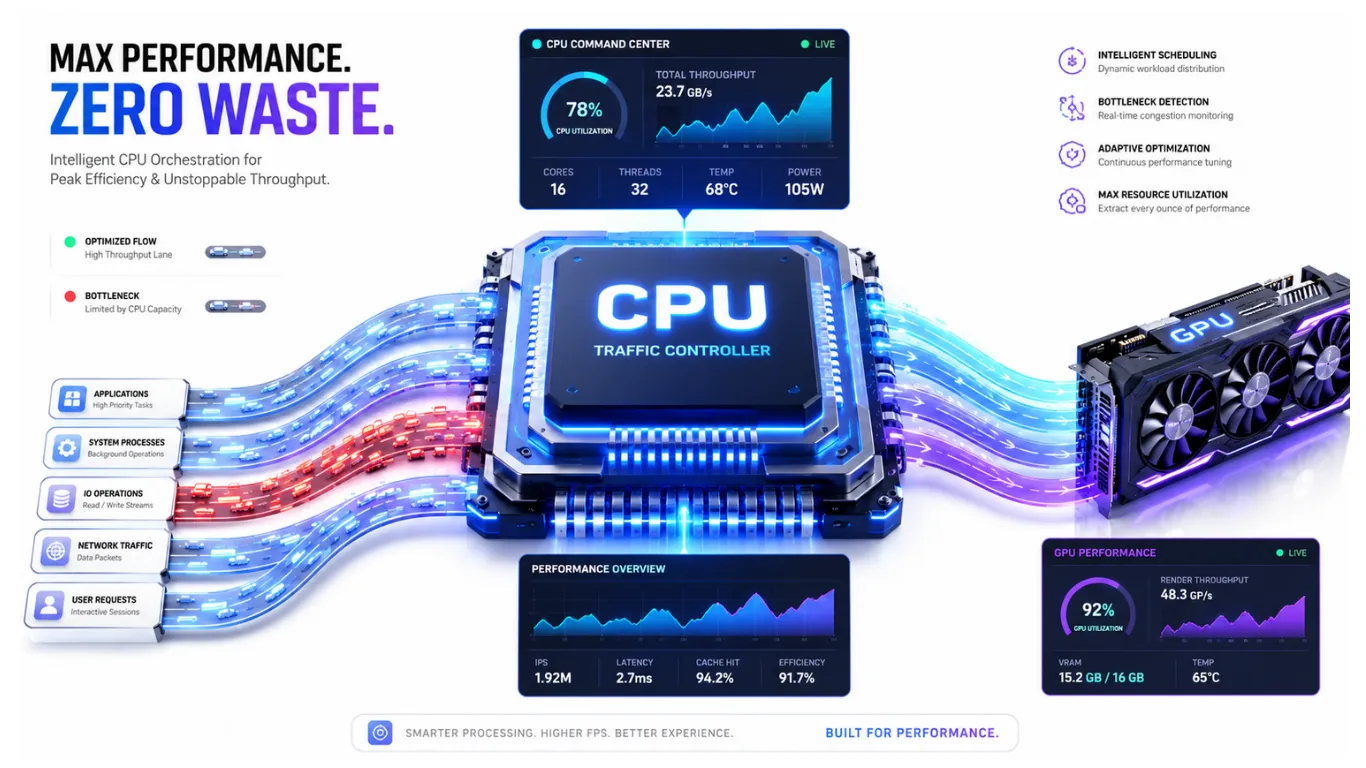
A CPU bottleneck happens when your processor cannot prepare frames fast enough for your graphics card. The card is ready to do more, but it has to wait for the processor to feed it work. The result is a lower frame rate than your graphics card could deliver on its own.

Think of it like a kitchen. Your graphics card is a fast chef, but the processor brings the ingredients. If the ingredients arrive slowly, the chef stands around waiting, no matter how skilled they are. That waiting is the CPU bottleneck. If you want the full background, our guide on what a PC bottleneck is and why it happens breaks it down simply.
How to Use the CPU Bottleneck Calculator
BOTTLENECK CALCULATOR
Detect CPU, GPU & RAM bottlenecks · 400+ components · Free & Accurate
Your Build Breakdown
Upgrade Recommendations
The tool is fast and works on phones and desktops alike. Here is all you do.
Step 1: Choose your CPU
Type your processor name and pick it from the list, like Ryzen 5 5600X or Intel Core i5. Not sure which chip you have? Open your system settings and look under device specifications.
Step 2: Choose your GPU
Add your graphics card in the GPU box. The tool compares the two, since a CPU bottleneck only shows up next to the card it is feeding.
Step 3: Set resolution and workload, then check
Pick your resolution and main task, then press the button. The result shows if your processor is the weak link and how big the gap is.

Signs Your CPU Is the Bottleneck
Your PC gives clear hints when the processor is the weak part. Watch for these.
| Sign | What It Tells You |
|---|---|
| CPU near 100%, GPU much lower | A classic CPU bottleneck. The processor is maxed while the card waits. |
| Frame rate jumps around in busy scenes | The processor cannot keep a steady pace with lots of action. |
| A new graphics card gave little boost | The processor is capping what the new card can do. |
| Worse in fast competitive games | These games lean hard on the processor, so the gap shows fast. |

CPU Bottleneck in Gaming
The processor matters most in certain kinds of games, which is why a CPU bottleneck often shows up first while gaming. Fast competitive games with lots of players, physics, and action lean hard on the processor. Open-world games with heavy detail can too. At lower resolutions like 1080p, the processor does even more of the work, so a weak CPU shows up quickly.

The fix is often about balance. Raising your resolution shifts work toward the graphics card and can hide a mild CPU bottleneck. Lowering processor-heavy settings, like draw distance and crowd density, eases the load. The calculator lets you test different resolutions so you can see the effect before you change anything.
How to Fix a CPU Bottleneck
This is the part most people search for, so here is a clear plan from free fixes to upgrades. Try the top rows first.
| Fix | Cost | How It Helps |
|---|---|---|
| Raise your resolution | Free | Shifts load to the graphics card, easing the processor. |
| Lower CPU-heavy settings | Free | Less draw distance and crowd detail frees the processor. |
| Close background apps | Free | Stops other programs from stealing processing power. |
| Turn on memory speed profile | Free | Faster memory helps the processor keep up. |
| Upgrade to a faster CPU | Paid | The real fix when the processor is simply too slow. |
If a free fix is not enough, a faster processor is the true cure. Before you buy, check where your current chip ranks and find a better match in the CPU performance hierarchy. After any change, run the check again and watch the gap shrink.

CPU and Graphics Card: Check Them Together
A CPU bottleneck only makes sense next to the graphics card it feeds, so the two are always linked. If your processor is fine but your card is the weak side, the fix is completely different. To see both parts side by side and learn which one to upgrade first, use our CPU and GPU bottleneck calculator. For a whole-system view that adds memory too, the main bottleneck calculator on our homepage checks every part at once.

What This Calculator Will Not Do
A quick honest note. A motherboard does not cause a frame-rate bottleneck on its own, as long as it supports your parts, so this tool focuses on the processor, graphics card, and memory that actually move your FPS. And no calculator can promise an exact frame count for your game and settings. Use this as a smart planning guide to decide if your processor is the weak link and whether an upgrade is worth it.
Frequently Asked Questions
What is a CPU bottleneck?
It is when your processor cannot feed your graphics card fast enough, so the card waits and your frame rate drops. The processor becomes the limit for your whole system.
How do I check for a CPU bottleneck?
Enter your processor and graphics card into the calculator above, set your resolution and workload, and press the button. The result shows if the CPU is the weak link.
How do I fix a CPU bottleneck?
Start free: raise your resolution, lower processor-heavy settings, and close background apps. If that is not enough, upgrade to a faster processor that matches your graphics card. For more handy solutions, visit our blog on High CPU Usage Fix.
Does a CPU bottleneck damage your processor?
No. A bottleneck means a part is waiting or working hard, not that it is being harmed. It costs you frames, but it does not damage your CPU.
Why is my CPU bottleneck worse at 1080p?
Lower resolutions put more work on the processor and less on the graphics card. So a weak CPU shows up faster at 1080p than at 1440p or 4K.
Will a better graphics card fix a CPU bottleneck?
No. If the processor is the weak link, a stronger card will only wait more. You need a faster processor, or settings that ease the load on the CPU.
Similar Posts
RAM Bottleneck Calculator: Free Memory Check 2026
Is Your Memory Slowing You Down? Check With the RAM Bottleneck Calculator Most people only think about their processor and graphics card, but memory can quietly hold a PC back too. If your RAM is…
How to Check PC Bottleneck: Easy 2026 Guide
How to Check If Your PC Has a Bottleneck If your PC feels slower than it should, there is a simple way to find out why. Learning how to check PC bottleneck shows you whether…
What Is a PC Bottleneck? Simple Guide for 2026
PC Bottlenecks Explained: What They Are and Why They Slow You Down? So what is a PC bottleneck, really? In plain words, a bottleneck is when one part of your computer is too slow to…
CPU and GPU Bottleneck Calculator: Free Check 2026
Check If Your CPU and GPU Are a Good Match Your processor and graphics card are the two parts that decide your frame rate, and they have to work as a pair. If one is…
What Is Counted As Acceptable Bottleneck Percentage? 2026 Guide
What Counts as a Good Bottleneck Percentage on Your PC? You ran the numbers and got a result from the bottleneck calculator, but now you are stuck on the real question: is that number good…
GPU Bottleneck Calculator: Check and Fix It 2026
Is Your Graphics Card the Weak Link? Check and Fix a GPU Bottleneck When your graphics card cannot keep up with the rest of your PC, your frame rate drops and your games feel less…


