
GPU Buying Guide: How to Choose the Right Graphics Card (2026)
Buying a graphics card can feel overwhelming, with confusing names, big price gaps, and endless specs. This GPU buying guide makes it simple. We will walk you through what actually matters when choosing a graphics card, how to match one to your monitor and budget, and the best picks for every resolution right now.
Whether you are building your first PC, upgrading an old card, or just want to stop second-guessing, you will know exactly which GPU to buy by the end. Every recommendation links to Amazon so you can check the latest price.
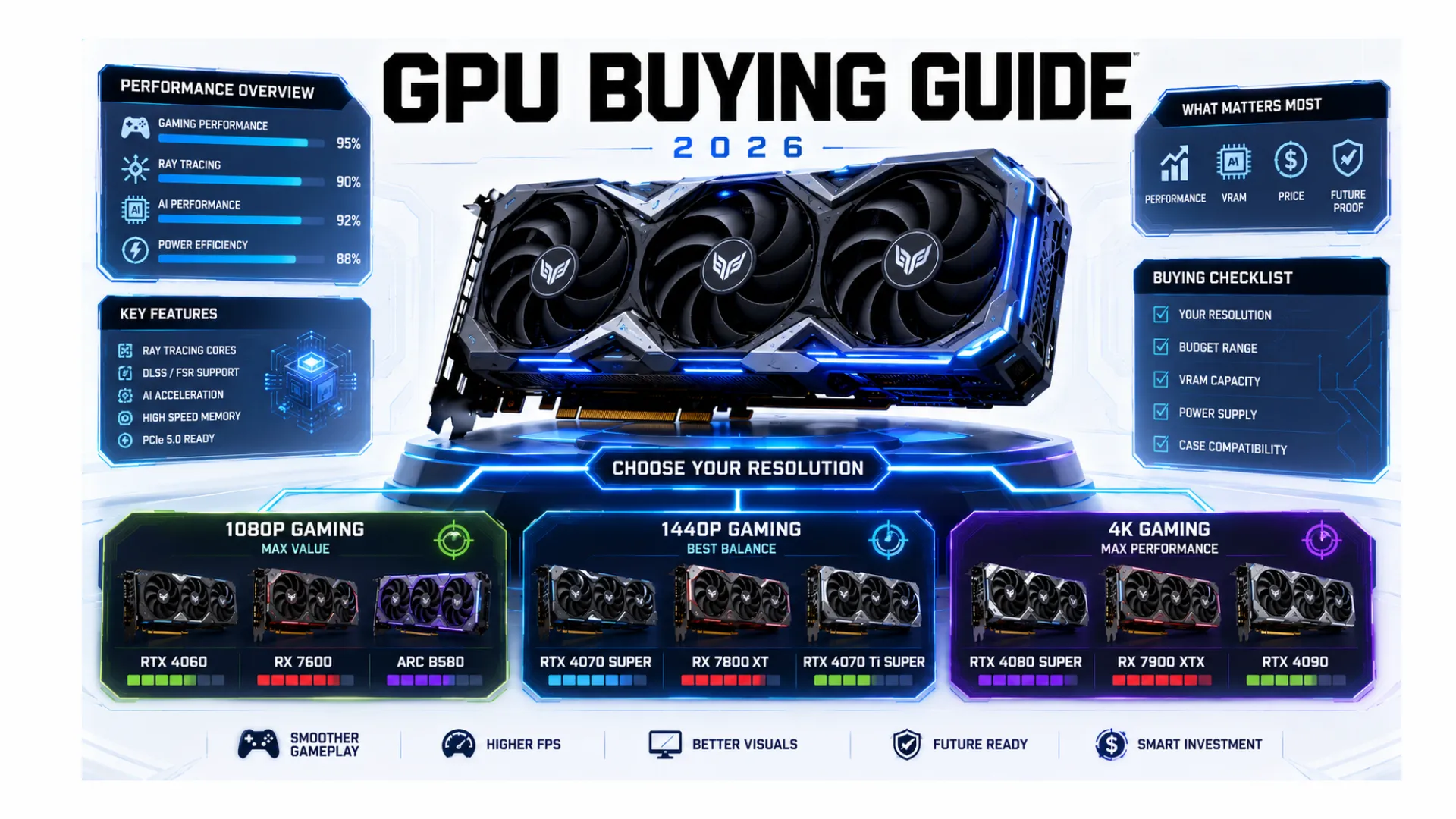
Quick answer: match your graphics card to your resolution. For 1080p, the RTX 5060 or RX 7600 XT are great value. For 1440p, the RX 9070 XT and RTX 5070 Ti shine. For 4K, the RTX 5080 and RTX 5090 lead.
How to Choose a Graphics Card: Start With Your Resolution
The single most important rule in this GPU buying guide is to match the card to the resolution you play at. Buying a 4K card for a 1080p monitor wastes money, and a budget card on a 4K screen will struggle. Here is the simple match.
| Resolution | Card Level | VRAM to Aim For |
|---|---|---|
| 1080p | Budget to mid-range | 8GB minimum, 12GB better |
| 1440p | Mid-range to upper mid-range | 12GB to 16GB |
| 4K | High-end | 16GB or more |

What to Look For in a Graphics Card
Beyond resolution, a few specs decide how a card performs and whether it fits your PC. Here is what matters, in order:
- Performance level. How many frames the card pushes at your resolution. This is the headline number.
- VRAM. The card’s memory. In 2026, 8GB is the floor for 1080p, while 12GB to 16GB is the sweet spot for 1440p and 4K.
- Features. Upscaling like DLSS and FSR boosts frames, and ray tracing adds realistic lighting if your card is strong enough.
- Power and size. Make sure your power supply can handle the card and that it physically fits your case.
- Price to performance. The best card is the one giving the most frames for your money, not the highest number.

A quick way to see how any card pairs with your processor is our bottleneck calculator, and to estimate real frames in your games, use the FPS calculator. New to graphics cards entirely? Start with our what is a GPU guide.
The Best Graphics Cards by Resolution (2026 US Picks)
These are our current picks, chosen for real value in the US market. Prices move, so tap any button for the live Amazon price.
Best for 1080p Gaming: NVIDIA RTX 5060
For sharp, high-frame 1080p gaming, the RTX 5060 is the standout, with modern features and strong value. If you want maximum VRAM for the money, the AMD RX 7600 XT with 16GB is a superb alternative.
- Best for: 1080p high-refresh gaming
- Check the NVIDIA RTX 5060 price on Amazon
- Check the AMD RX 7600 XT price on Amazon
Best for 1440p Gaming: AMD RX 9070 XT
The 1440p sweet spot. The RX 9070 XT delivers excellent frames with generous VRAM at a fair price, making it the value champion for sharp 1440p gaming. The RTX 5070 Ti is the top Nvidia choice here, especially for high-refresh competitive play.
- Best for: 1440p high-refresh gaming
- Check the AMD RX 9070 XT price on Amazon
- Check the NVIDIA RTX 5070 Ti price on Amazon
Best for 4K Gaming: NVIDIA RTX 5080
For 4K, the RTX 5080 hits the best balance of power and price, handling 4K ultra in most games without the flagship price tag. If you want the absolute best and budget is no object, the RTX 5090 is the most powerful card made.
- Best for: 4K ultra gaming
- Check the NVIDIA RTX 5080 price on Amazon
- Check the NVIDIA RTX 5090 price on Amazon
Best Budget Pick: AMD RX 9060 XT 16GB
For the best price to performance under the mid-range, the RX 9060 XT with 16GB gives mainstream gamers all the VRAM they need for 1080p and 1440p. The Intel Arc B580 is a strong sub-$300 option too.
- Best for: budget builds that still want modern features
- Check the AMD RX 9060 XT price on Amazon
For more picks across every tier, see our best GPUs roundup and our best GPU for gaming guide.
How Much VRAM Do You Need?
VRAM, the graphics card’s own memory, comes up in almost every buying question, so here is the honest 2026 guidance. The right amount depends on your resolution and how long you want the card to last:
- 8GB: the floor for 1080p gaming today. Fine for many games, but tight in the newest titles at high textures.
- 12GB: a comfortable choice for 1080p and entry 1440p, with headroom for the next few years.
- 16GB: the sweet spot for 1440p and 4K, and the safest pick if you want the card to last.
- 24GB and up: for 4K at max settings and heavy creative work, more than most gamers need.
If you see two versions of the same card with different VRAM, like an 8GB and a 16GB model, the larger one is usually worth it for longevity.

Do Not Forget: Power, Size, and Your CPU
A graphics card does not work in isolation, so check these before you buy to avoid a costly surprise:
- Power supply. Bigger cards need more watts. Confirm your PSU is strong enough with our PSU calculator.
- Case clearance. High-end cards are long and thick. Measure your case so the card fits.
- A balanced processor. A powerful card paired with a weak CPU gets held back. Check the match with our PC compatibility checker and the bottleneck calculator.

Nvidia vs AMD vs Intel: Which Brand?
All three brands make good graphics cards in 2026, so the choice comes down to what you value. Nvidia leads in ray tracing and upscaling features and is the safe all-round pick. AMD often gives more VRAM and better value at each price, especially for raw frames. Intel’s Arc cards are worth a look in the budget space if you accept a less mature ecosystem.
Rather than picking a brand first, decide your resolution and budget, then choose the best card that fits, whichever badge it wears.

A Note on Special Cases
A few less common questions come up when buying a graphics card:
- Dual graphics cards. Running two cards together is outdated for gaming now, since modern games use only one. A single stronger card is always the better choice.
- All-in-one and mini PCs. These often have limited or no room for a separate card, so check whether a dedicated graphics card can even be added before buying parts.
- Integrated graphics. Some processors include built-in graphics for light use, but for real gaming you want a dedicated card from the picks above.
Frequently Asked Questions
How do I choose a graphics card?
Start with your resolution, then match the card level to it: budget for 1080p, mid-range for 1440p, and high-end for 4K. Check VRAM, your power supply, and case size, then pick the best value card that fits.
How much VRAM do I need in 2026?
For 1080p, 8GB is the floor and 12GB is better. For 1440p and 4K, aim for 16GB. More than 16GB is only needed for 4K at max settings or heavy creative work.
What is the best graphics card for 1440p?
The AMD RX 9070 XT is the value champion for 1440p, with the RTX 5070 Ti as the top Nvidia pick, especially for high-refresh competitive gaming. Both deliver strong frames with ample VRAM.
Is Nvidia or AMD better for a graphics card?
Neither is simply better. Nvidia leads in ray tracing and upscaling, while AMD often offers more VRAM and value. Pick based on your resolution and budget rather than the brand.
Do I need a new power supply for a graphics card?
Maybe. Bigger cards need more watts, so check your power supply against the card’s needs with our PSU calculator before buying. A card that is too power-hungry for your PSU can cause crashes.
Can I add a graphics card to any PC?
Most desktop PCs can take a dedicated graphics card, but all-in-one and mini PCs often cannot. Check that your case has room and a free slot, and that your power supply is strong enough.


