
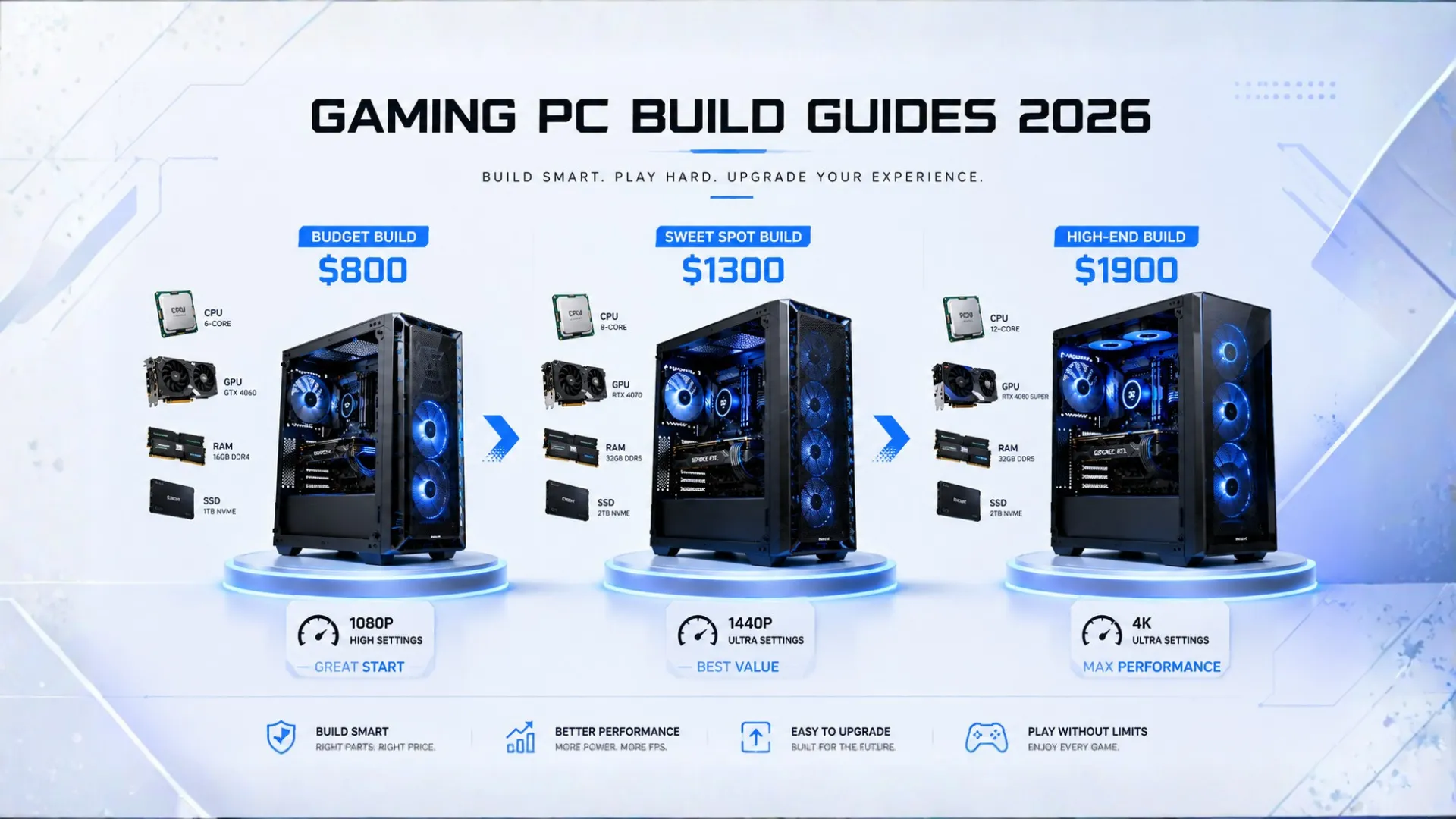
Gaming PC Build Guides: Full Parts Lists for Every Budget (2026)
Ready to build but not sure which parts to buy? These gaming PC build guides give you complete, balanced parts lists for every budget and resolution in 2026. Each build is matched so no part holds another back, and tuned to a clear target, whether that is high-frame 1080p, sharp 1440p, or true 4K.
We explain who each build is for and link every key part to Amazon for the live price. Pick the build that fits your budget and goals, and you have your shopping list. Let us build your perfect gaming PC.
How to Choose Your Build
The golden rule of any gaming PC build is to match it to your monitor’s resolution, then spend the largest share on the graphics card, since it drives your frame rate. A few quick pointers before the builds:
- 1080p gaming wants a budget to mid build. Do not overspend, since these games do not need a top card.
- 1440p gaming is the sweet spot for most people, where a mid-range build shines.
- 4K gaming needs a high-end build to look and run its best.
- Always keep the build balanced. Check any CPU and GPU pairing with our bottleneck calculator, and estimate the frames with our FPS calculator.

New to the parts themselves? Our PC parts explained guide covers each one, and when your parts arrive, our how to build a PC guide walks you through assembly.
The Budget Build: Great 1080p Gaming (Around $800)
This build runs any modern game at 1080p with high frame rates, and reaches into 1440p. It uses the modern AM5 platform, so you can upgrade later. The best value starting point for most new builders.
- CPU: AMD Ryzen 5 7600 — check price
- GPU: NVIDIA RTX 5060 — check price
- RAM: 16GB DDR5-6000 — check price
- Storage: 1TB NVMe SSD — check price
- PSU: 550W 80 Plus — check price
Best for: first-time builders, esports, and 1080p high-refresh gaming.

The Sweet-Spot Build: 1440p Gaming (Around $1,300)
The build most people should aim for. It handles 1440p at high to ultra settings with frame rates well above 60, and is the best balance of price and performance in 2026.
- CPU: AMD Ryzen 5 9600X — check price
- GPU: NVIDIA RTX 5060 Ti or AMD RX 9070 XT — check price
- RAM: 32GB DDR5-6000 CL30 — check price
- Storage: 2TB NVMe SSD — check price
- PSU: 750W 80 Plus Gold — check price
Best for: the 1440p 144Hz sweet spot and gamers who want strong value.

The High-End Build: 4K and High-Refresh 1440p (Around $1,900)
This build dominates 1440p at high refresh and plays 4K at ultra with strong frame rates. It pairs the best gaming processor with a high-end card for a machine that lasts years.
- CPU: AMD Ryzen 7 9800X3D — check price
- GPU: NVIDIA RTX 5080 or AMD RX 9070 XT — check price
- RAM: 32GB DDR5-6000 CL30 — check price
- Storage: 2TB NVMe SSD — check price
- PSU: 850W 80 Plus Gold — check price
Best for: 4K gaming, 1440p 240Hz, and gaming while streaming.

Gaming PC Builds at a Glance
| Build | CPU + GPU | Target |
|---|---|---|
| Budget (~$800) | Ryzen 5 7600 + RTX 5060 | 1080p high FPS |
| Sweet spot (~$1,300) | Ryzen 5 9600X + RTX 5060 Ti / RX 9070 XT | 1440p 144Hz |
| High-end (~$1,900) | Ryzen 7 9800X3D + RTX 5080 | 4K and 1440p 240Hz |
Prices move often, so tap any part for the live price. For more on each part choice, see our best lists for the best CPU for gaming and best GPU for gaming.

AMD vs Intel for Your Build
These builds lean on AMD because its gaming chips, especially the X3D cache models, lead for gaming value in 2026, and the AM5 platform gives a long upgrade path. Intel still makes strong gaming chips like the Core i5 range, and you can swap one in if you find a better deal. The graphics card matters more for frames than the CPU brand, so pick the best card you can afford first, then a balanced processor. To understand each side, see our guides to AMD Ryzen CPUs and Intel Core CPUs.

Do Not Forget the Extras
The builds above are the tower. To game, you also need a few things people often forget to budget for:
- A monitor that matches the build. A great build needs a screen at the right resolution and refresh rate. Do not pair a 4K build with a 1080p screen, or the reverse.
- Windows, plus a keyboard and mouse.
- A case and cooler suited to your parts, with good airflow.
Before buying, confirm everything fits and works together with our PC compatibility checker, and size your power supply with the PSU calculator. For tighter or bigger budgets, see our budget PC builds and high-end builds guides.

Frequently Asked Questions
What is a good gaming PC build for 2026?
For most people, a sweet-spot 1440p build around $1,300 with a Ryzen 5 9600X and an RTX 5060 Ti or RX 9070 XT is the best value. For 1080p, a budget build near $800 with a Ryzen 5 7600 and RTX 5060 is ideal.
How much does it cost to build a gaming PC?
A capable 1080p build starts around $800, a strong 1440p build is roughly $1,300, and a high-end 4K build is about $1,900 for the tower. The graphics card and processor are the biggest costs.
What is the best budget gaming PC build?
A Ryzen 5 7600 with an RTX 5060, 16GB of DDR5, and a 550W power supply is an excellent budget build around $800. It runs modern games at 1080p high settings and uses the upgradeable AM5 platform.
Should I build an AMD or Intel gaming PC?
AMD leads for gaming value in 2026, especially its X3D cache chips, and offers a long upgrade path. Intel still makes strong gaming chips. The graphics card matters more than the CPU brand, so choose the best card you can afford first.
How much should I spend on the graphics card?
The graphics card should get the largest share of a gaming build, often around 40 percent, since it drives your frame rate. Match it to your resolution and keep it balanced with the processor using our bottleneck calculator.
Is it cheaper to build a gaming PC than buy one?
Usually yes, since you save the assembly markup that prebuilt PCs charge and choose every part. You also get a balanced build and learn how it works, which makes future upgrades easier.


