
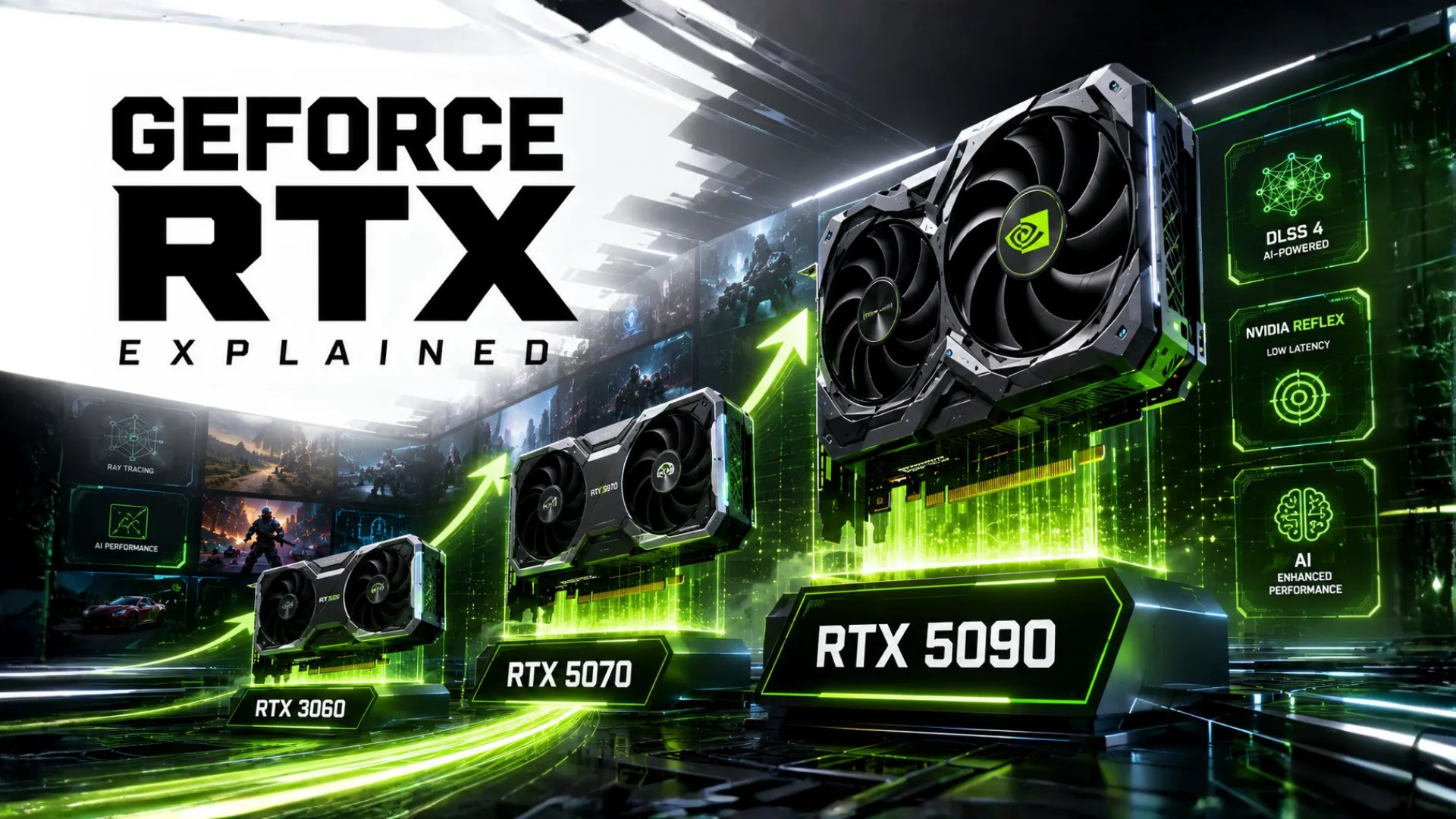
NVIDIA GeForce GPUs Explained (The RTX Lineup Made Simple)
NVIDIA GeForce GPUs power a huge share of gaming PCs, but the lineup of RTX cards, numbers, and features can be confusing. What does RTX mean? What is DLSS? And how do you tell a 3060 from a 5070?
This guide clears it all up in plain English. You will understand the GeForce RTX families, what the numbers and features mean, and how to pick and pair the right Nvidia graphics card. By the end, the whole GeForce range will make sense.
Understanding the NVIDIA GeForce GPU Lineup
GeForce is Nvidia’s brand of gaming graphics cards, and almost all current models carry the RTX label. The lineup is split into generations and tiers, and once you know the pattern, every name makes sense.
Nvidia names its cards with a generation followed by a tier. Take the RTX 5070:
- RTX is the modern GeForce family, which adds ray tracing and AI features.
- 50 is the generation. Higher is newer, so the 50 series is newer than the 40 and 30 series.
- 70 is the tier within that generation. Higher means more powerful.
So an RTX 5070 is a 50-series, mid-to-upper tier card, while an RTX 3060 is an older 30-series mid-range card.
What Do the GeForce Tiers Mean?
Within each generation, the second number tells you the power level. Here is the simple guide.
| Tier (the xx60, xx70…) | Think Of It As | Best For |
|---|---|---|
| xx50 | Entry level | Budget 1080p gaming. |
| xx60 | Mainstream value | Solid 1080p and entry 1440p. |
| xx70 | Upper mid-range | Strong 1440p gaming. |
| xx80 | High-end | 4K and high-refresh play. |
| xx90 | Flagship | 4K ultra and the very best. |

A “Ti” or “Super” added to a name, like the RTX 5070 Ti, means a faster version of that card, slotting between tiers.
What Is RTX? (DLSS, Ray Tracing, and More)
The RTX name is not just branding. It points to a set of features that set modern GeForce cards apart:
- Ray tracing. Realistic lighting, shadows, and reflections that make games look stunning, though it demands a stronger card.
- DLSS. Nvidia’s AI upscaling. It boosts your frame rate with little loss in image quality, and the latest version adds frame generation for even more frames.
- Strong creator support. GeForce RTX cards speed up video editing, 3D, and AI tasks, making them popular for work as well as play.
These features are a big reason many gamers choose GeForce. DLSS in particular can turn a borderline frame rate into a smooth one, which is why it is one of Nvidia’s strongest advantages.

Which NVIDIA GeForce GPU Should You Buy?
The right GeForce card depends on your resolution and budget, just like any graphics card. Rather than repeat our picks here, we have chosen the best Nvidia cards in our focused guides:
- For top gaming picks by budget and resolution, see our best GPU for gaming guide.
- For the best cards in every category, see our best GPUs roundup.
- For the full how-to-choose, our GPU buying guide walks you through it.
- To see how GeForce cards rank against each other and against AMD, check the GPU hierarchy.
How to Pair a GeForce GPU With Your CPU
Any GeForce card works with any modern processor, whether Intel or AMD. The goal is balance, so your card and processor match in power and neither holds the other back. A budget GeForce card does not need a top processor, and a high-end RTX card deserves a strong one. To get this right, drop your GeForce card and your processor into our bottleneck calculator, check if the card is the limit with the GPU bottleneck calculator, or whether the processor is, with the CPU bottleneck calculator. You can also learn to check your PC bottleneck yourself.

GeForce in Mini PCs and All-in-Ones
Many people search for GeForce RTX cards in mini PCs and all-in-one computers. A quick honest note: full desktop GeForce cards need space and power, so small systems often use cut-down laptop versions of these chips or cannot fit a dedicated card at all. A mini PC with an RTX card usually runs slower than a full desktop with the same card name.
For the most gaming performance per dollar, a standard desktop build gives you far more choice. If you are comparing a laptop or mini PC card, treat it as a tier below its full desktop namesake.
How Nvidia Compares to AMD
Many buyers weigh GeForce against AMD Radeon. Both make excellent cards, so it comes down to what you value. Nvidia leads in ray tracing and DLSS upscaling, and has strong creator support. AMD often offers more VRAM and better value at each price for raw frames.

Neither is a wrong choice, so let your resolution and budget decide. To weigh two specific cards, see our GPU comparison guide, and if you are new to graphics cards, start with what is a GPU.
Frequently Asked Questions
What does RTX mean in Nvidia GeForce GPUs?
RTX is Nvidia’s modern GeForce family that adds ray tracing for realistic lighting and DLSS for AI upscaling. These features boost both visual quality and frame rates, which is a key reason many gamers choose GeForce.
What is the difference between RTX 30, 40, and 50 series?
The number is the generation, and higher is newer. The 50 series is the newest with the latest features, the 40 series is the previous generation, and the 30 series is older but still capable for many games.
What does Ti mean in a GeForce card?
A Ti version, like the RTX 5070 Ti, is a faster version of that card, slotting between the standard tier and the next one up. Super means a similar mid-step upgrade.
Can I use a GeForce GPU with an AMD processor?
Yes. A GeForce graphics card works perfectly with any modern processor, Intel or AMD. The CPU and graphics card brands do not need to match, and Nvidia plus AMD Ryzen is a very popular combination.
What is DLSS?
DLSS is Nvidia’s AI upscaling technology. It renders games at a lower resolution and intelligently scales them up, boosting your frame rate with little loss in image quality. The latest version also generates extra frames.
Is Nvidia GeForce better than AMD Radeon?
Neither is simply better. GeForce leads in ray tracing and DLSS, while Radeon often gives more VRAM and value. Choose based on your resolution and budget rather than the brand.


