
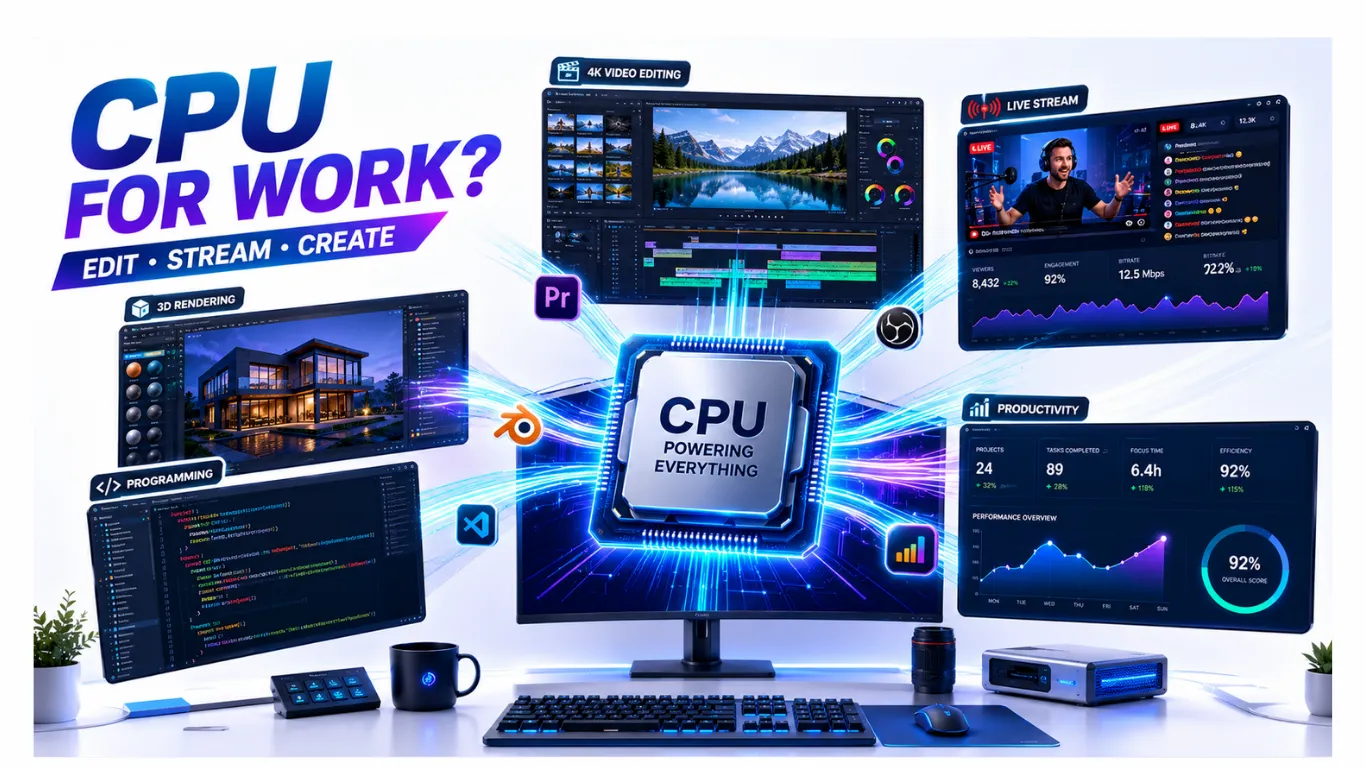
What a CPU Does for Work, Editing, and Streaming
When your PC is for more than gaming, the processor takes on a bigger role. For video editing, streaming, and everyday work, the CPU does much of the heavy lifting, so picking the right one matters.
This guide explains what the CPU actually does for creative and work tasks, which specs make a real difference, and how it teams up with your graphics card. By the end, you will know exactly what to look for in a processor built for getting things done.
What the CPU Does for Work and Creation
The CPU is the engine behind most work and creative tasks. While gaming leans heavily on the graphics card, productivity leans on the processor. Here is where your CPU does the work:
- Video editing and rendering. Exporting and processing video is one of the most CPU-heavy tasks there is.
- Streaming. Encoding your gameplay or video to send out live takes real processing power.
- Multitasking. Running many apps at once, like a browser, editor, and chat, leans on your cores.
- Office and creative software. Spreadsheets, design tools, and code all run faster with a stronger CPU.

In short, the harder your work pushes your computer, the more your processor matters. A weak CPU shows up as slow exports, stutter while streaming, and lag when juggling apps.
Which CPU Specs Matter Most for Work
Work and creation favor different specs than gaming does. For productivity, focus on these:
- Core and thread count. This is the big one. More cores finish heavy jobs like rendering far faster, since the work splits across them.
- Clock speed. Higher speed helps with tasks that lean on one core, and keeps everything feeling snappy.
- Memory support. Heavy work benefits from plenty of fast memory, so the CPU is not left waiting.
The simple rule: for gaming, single-core speed and cache matter most, but for editing, rendering, and streaming, core count rules. That is why a great work CPU is often different from a great gaming-only chip.
How Many Cores Do You Need for Work?
Here is a quick guide to how core count lines up with the kind of work you do.
| Your Work | Cores to Aim For | Why |
|---|---|---|
| Office, browsing, light tasks | 4 to 6 cores | Plenty for documents, email, and the web. |
| Streaming while gaming | 8 cores | Spare cores handle encoding without hurting your game. |
| Photo and light video editing | 8 cores | Enough muscle for edits and quick exports. |
| Heavy video, 3D, and rendering | 12 to 16 cores | More cores slash render and export times. |

CPU and Video Card: How They Work Together for Creative Tasks
A common question is how the CPU and the graphics card share creative work, since both can help. The short answer is that they handle different parts of the job.
- The CPU manages the project, runs the software, and does much of the encoding and general processing.
- The video card (GPU) speeds up certain tasks, like applying effects, previews, and some export steps in modern editing apps.

For most creative work, a strong CPU is the foundation, with the graphics card giving a helping hand in supported tasks. The two are teammates, not rivals. If you want the deeper picture of how they share the load, see our guide on what is a PC bottleneck, and to check whether your own pair is balanced, use our bottleneck calculator. If you are new to processors entirely, our what is a CPU guide covers the basics first.
Which CPU Should You Buy for Work?
Now that you know what to look for, the pick is straightforward: for serious work and creation, lean toward a higher core count. We have already chosen the best work and creation processor, along with picks for every other need, in our roundup. See the “best for work and creation” pick in our guide to the best CPUs, and for the full step-by-step on choosing, our CPU buying guide walks you through it.

Frequently Asked Questions
What does a CPU do for work?
The CPU handles most work and creative tasks, from running your software to encoding video and managing many apps at once. The harder your work pushes your PC, the more the processor matters.
Is the CPU or GPU more important for video editing?
The CPU is the foundation for most editing, since it runs the software and does much of the processing. The graphics card helps speed up certain tasks like effects and previews, so a balance of both is ideal.
How many CPU cores do I need for streaming?
Around 8 cores is the sweet spot for streaming while gaming, since the spare cores handle the encoding without hurting your game. For streaming alone, fewer cores can still work well.
Does a CPU need a video card to work?
A CPU does the main processing, but you need a way to display the image. Some CPUs include built-in graphics, while others rely on a separate video card. For creative work, a dedicated card helps in supported tasks.
What CPU is best for editing and rendering?
For heavy video and 3D work, a high core count chip like a 16-core processor finishes jobs fastest. See our best CPUs guide for the current top pick for work and creation.


