
How to Compare CPUs (And Tell Which One Is Really Better)
Comparing processors can be confusing. Two chips with similar names can perform very differently, and the biggest number is not always the better buy.
This guide shows you how to compare CPUs the smart way, so you can tell which one truly fits your needs. We will cover how to read a CPU comparison, what really matters when you put two chips side by side, the difference between a CPU and a GPU, and how AMD and Intel stack up. By the end, you will compare any two processors with confidence.
How to Compare Two CPUs the Right Way
When you put one CPU against another, do not just glance at the price or the core count. Compare them across the few things that actually decide real-world performance. Here is what to look at, in order:

- Single-core speed. How fast one core runs. This matters most for gaming and everyday snappiness.
- Core and thread count. More cores help with editing, rendering, and heavy multitasking.
- Cache. Extra on-chip memory, like AMD’s 3D V-Cache, gives a big lift in games.
- Generation. A newer chip is usually more efficient and faster per core than an older one with similar specs.
- Platform cost. A cheaper chip can still cost more overall if it needs pricier memory or a new motherboard.
The trick is to weigh these against what you actually do. A gamer and a video editor will pick different winners from the very same comparison.
A Faster Way: Compare CPUs by Score
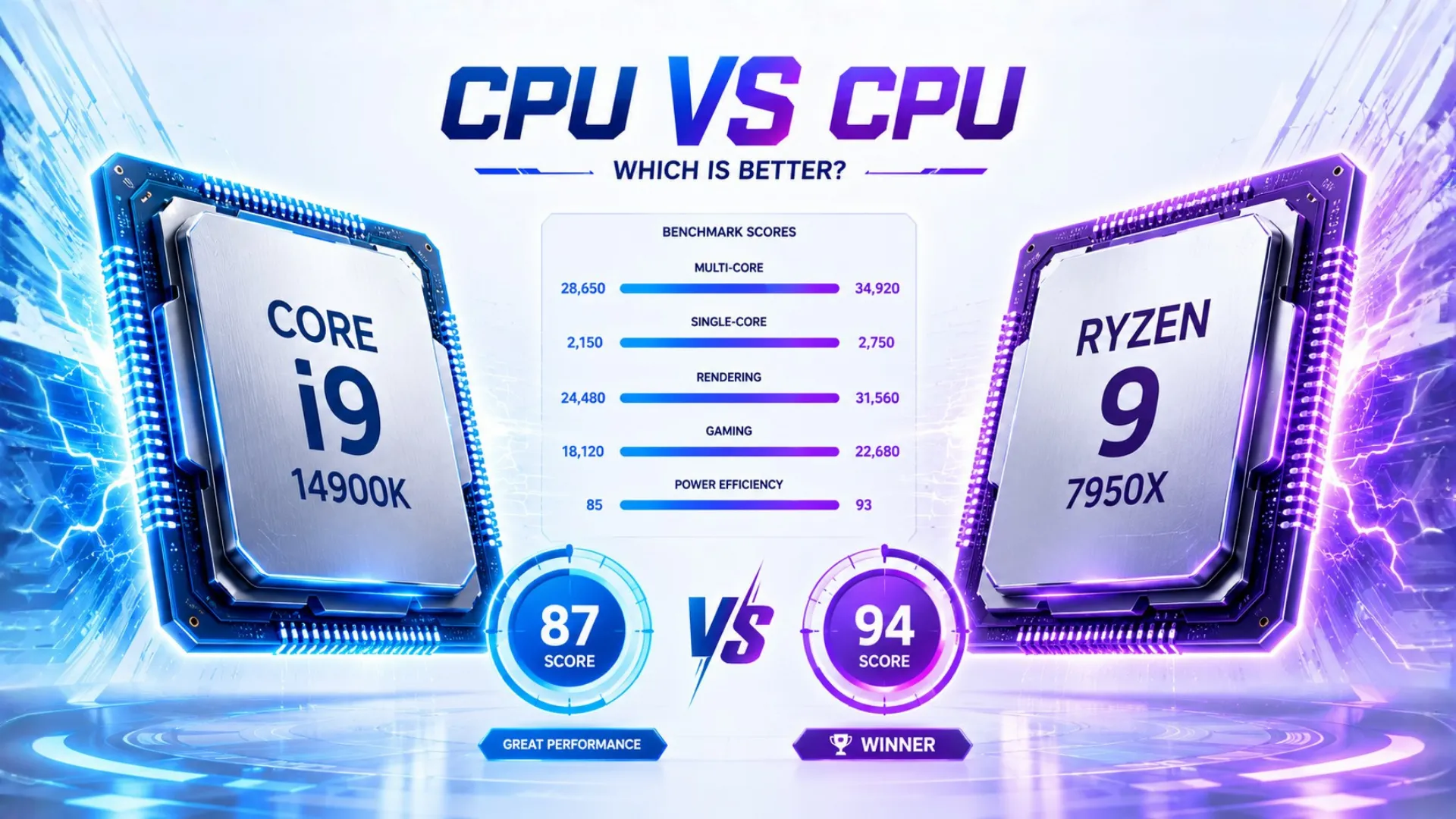
Reading raw specs takes time. An easier method is to compare processors using a single performance score, then check the details only if they are close. Our CPU benchmarks and hierarchy page ranks today’s chips with a clear 0 to 100 score, so you can line up any two and see the gap instantly. If two chips sit in the same tier, they will feel similar in real use, and your choice comes down to price and platform.

For the comparison that matters most, how a processor pairs with your graphics card, drop both into our bottleneck calculator. It compares the two and tells you which one limits the other, which is the real question behind most CPU comparisons.
CPU vs GPU: What Is the Difference?
This is the most common “versus” question in PCs, so let us settle it clearly. A CPU and a GPU are both processors, but they do very different jobs.
| Feature | CPU (Processor) | GPU (Graphics Card) |
|---|---|---|
| Main job | Runs the system and programs | Draws the visuals on screen |
| How it works | A few fast, flexible cores | Thousands of small cores at once |
| Best at | General tasks, logic, multitasking | Graphics, video, repeated work |
| In gaming | Prepares the frames | Renders the frames |

The short version: the CPU is the all-purpose brain, and the GPU is a specialist for visuals. They are not rivals, they are teammates. You cannot use one in place of the other, and a good PC needs both working in balance.
CPU vs GPU: Which Should You Upgrade First?
Since they work as a pair, people often ask which one to upgrade. The answer depends on which is holding you back. A simple way to tell:

- If your graphics card runs near 100 percent in games while your CPU sits lower, the GPU is your limit. Upgrade it first for more frames.
- If your CPU is pinned near 100 percent while your graphics card has room to spare, the CPU is your limit. Upgrade it first.
Do not guess. Run your parts through our bottleneck calculator and it tells you exactly which part to upgrade for the biggest gain. Spending on the wrong one is the most common upgrade mistake.
CPU vs GPU Usage: What Is Normal?
Another common comparison is how hard each part is working. In games, it is normal and healthy for your graphics card to run near full usage while your CPU sits lower. That means the GPU is the limit, which is what you want at higher settings. High CPU usage with a coasting graphics card is the warning sign, since it points to the processor holding things back. You can read the full picture in our guide on what is a PC bottleneck.

AMD vs Intel: How to Compare the Two Brands
When comparing processors, you will quickly run into the AMD versus Intel question. Both make excellent chips in 2026, so the comparison comes down to what you do.

- AMD generally leads for gaming value, especially its cache-equipped chips, and offers a long upgrade path on its current platform.
- Intel is a strong choice for mixed productivity and offers competitive all-rounders, with wide availability and frequent deals.
Rather than picking a side, compare the specific two chips you are weighing, using the score method above. Brand matters far less than the actual chip, your budget, and your graphics card. When you are ready to choose a winner for your needs, our buying guide can help you decide.
Common CPU Comparison Mistakes to Avoid
A few traps catch people when comparing processors. Steer clear of these:

- Chasing the highest number. A top chip is wasted if your graphics card cannot keep up.
- Ignoring the platform. A cheaper CPU can cost more once you add a board and the right memory.
- Comparing across generations by name alone. A newer mid-range chip can beat an older high-end one.
- Forgetting your real use. The best gaming chip and the best work chip are often not the same.
Compare with your actual needs and your graphics card in mind, and you will pick the right processor every time.
Frequently Asked Questions
How do I compare two CPUs?
Look at single-core speed, core and thread count, cache, and generation, then weigh them against price and your use. The fastest way is to compare each chip’s performance score in our CPU hierarchy and check the details only if they are close.
What is the difference between a CPU and a GPU?
The CPU is the all-purpose brain that runs your system and programs, while the GPU is a specialist that draws the visuals. They work as a team, especially in games, and a PC needs both.
Should I upgrade my CPU or GPU first?
Upgrade whichever is holding you back. If your graphics card is maxed out in games, upgrade it first. If your CPU is the one pinned at full use, start there. Our bottleneck calculator tells you which to pick.
Is a CPU or GPU more important for gaming?
For frame rates, the graphics card usually matters most, but a weak CPU can still hold a strong card back. The best results come from a balanced pair, not from maxing out just one.
Is AMD or Intel better?
Neither is simply better. AMD often leads for gaming value, while Intel is strong for mixed work. Compare the specific two chips you are choosing between, since the individual chip matters more than the brand.
Can I compare a CPU and a GPU directly?
Not really, since they do different jobs and are measured differently. You compare two CPUs against each other, or two GPUs, but a CPU and a GPU are teammates rather than rivals.


