
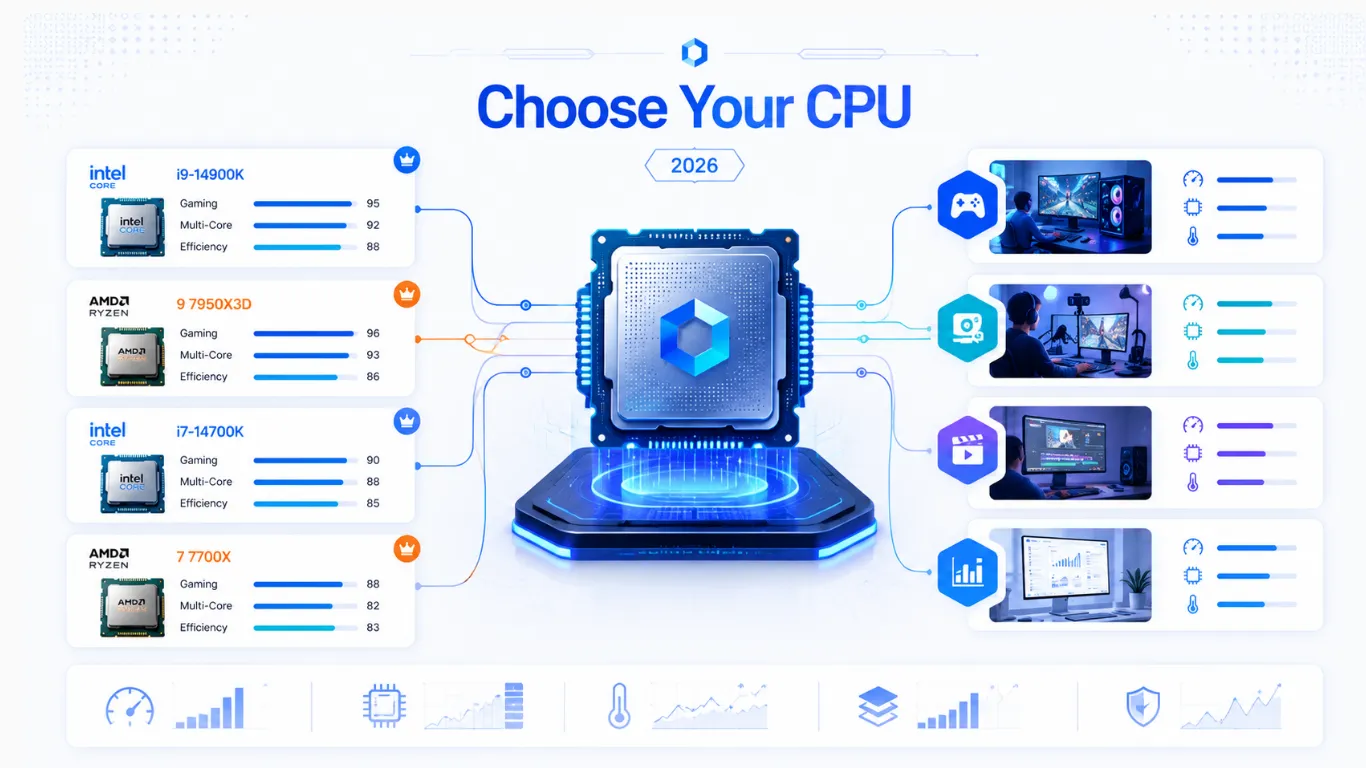
How to Choose the Right CPU for Your PC (2026 Buying Guide)
Buying a processor can feel confusing, with dozens of models, odd names, and prices all over the map. This CPU buying guide makes it simple. We will walk you through what actually matters when choosing a CPU, how much to spend for your needs, and the best processors to buy right now in the US. Whether you are building your first PC, upgrading an old one, or just want to stop overthinking it, you will know exactly which CPU to pick by the end. Every recommendation links straight to Amazon so you can check the latest price.
Quick answer: for most gamers in 2026, the AMD Ryzen 7 9800X3D is the top gaming chip, while the Ryzen 5 7600X and Ryzen 5 7500F are the smart value picks. We explain who each one is for below.
What a CPU Does (Quick Basics)
Before you buy, here is the one-minute version of what you are paying for. The CPU, or processor, is the brain of your PC. It handles the instructions behind everything you do, from loading a game to opening a browser tab. A few simple terms help you compare chips:
- Cores: small workers inside the chip. More cores help with heavy multitasking and creative work.
- Threads: each core can often handle two tasks at once, called threads.
- Clock speed: how fast the chip runs, measured in GHz. Higher is generally faster per core.
- Cache: fast on-chip memory. Extra cache, like AMD’s 3D V-Cache, gives a big boost in games.
You do not need to memorize these. The picks below already balance them for each budget and use.
How to Choose a CPU: What Actually Matters
Most people overthink this. Focus on these five things in order, and you will choose well every time.

- Your main use. Gaming, everyday work, or heavy creative tasks each favor different chips.
- Your budget. Spend enough for smooth performance, but leave room for a good graphics card, since that matters more for gaming FPS.
- Balance with your GPU. A great CPU paired with a weak graphics card, or the reverse, wastes money. Check the match with our bottleneck calculator.
- The platform. A new CPU often needs a matching motherboard and memory type. AMD’s newest chips use AM5 and DDR5, while older AM4 chips use DDR4.
- Cooling. Higher-power chips run hotter and may need a better cooler, which adds to the cost.
A simple rule for gamers: do not overspend on the CPU at the expense of the graphics card. For most builds, a strong mid-range processor plus a better GPU beats a top CPU with a weak GPU.
How Much CPU Do You Need? (Match Your Budget to Your Use)
Here is the easy way to see what level of processor fits your goals, so you do not overpay or underbuy.
| Your Use | CPU Level | Why |
|---|---|---|
| Everyday and light gaming | Budget 6-core | Plenty for browsing, office work, and casual games. |
| Mainstream 1080p and 1440p gaming | Mid-range 6 to 8-core | The sweet spot. Smooth frames without overpaying. |
| High-refresh and competitive gaming | Gaming chip with extra cache | Cache-heavy chips push the highest frame rates. |
| Streaming, editing, and 3D work | High core count (12 to 16) | More cores speed up rendering and multitasking. |

The Best CPUs to Buy Right Now (US Picks)
These are our current recommendations, chosen for real value in the US market. Prices shift often, so tap any button for the live Amazon price.
Best Gaming CPU: AMD Ryzen 7 9800X3D
The clear king of gaming in 2026. Its 3D V-Cache feeds game engines faster than anything else, giving the highest frame rates in most titles. If gaming is your priority and your budget allows, this is the one to get. It runs on the AM5 platform with DDR5 memory.
- Best for: serious gamers and high-refresh setups
- Roughly $430 to $480 in the US
- Check the AMD Ryzen 7 9800X3D price on Amazon
Best Value Mid-Range CPU: AMD Ryzen 5 7600X
For most gamers, this is the smart buy. It delivers about 90 percent of the gaming feel of pricier chips for a fraction of the cost, and it leaves more of your budget for the graphics card, where it counts most. AM5 platform, DDR5 memory, and fully upgradeable later.
- Best for: mainstream 1080p and 1440p gaming builds
- Roughly $160 to $190 in the US
- Check the AMD Ryzen 5 7600X price on Amazon

Best Budget Gaming CPU: AMD Ryzen 5 7500F
The value champion for tight budgets. It brings you onto the modern AM5 platform at a low price, with 6 cores and 12 threads that handle current games comfortably. A fantastic base for a first gaming PC.
- Best for: first builds and budget gaming
- Roughly $130 to $150 in the US
- Check the AMD Ryzen 5 7500F price on Amazon
Best All-Rounder: AMD Ryzen 7 9700X
If you game and also create, this is the sweet spot. Its 8 cores and strong single-core speed cover nearly every game while handling streaming and editing well, all while running cool and efficient.
- Best for: gamers who also stream or create
- Roughly $300 in the US
- Check the AMD Ryzen 7 9700X price on Amazon
Best for Creators and Productivity: AMD Ryzen 9 9950X
For video editing, 3D rendering, and software work, raw core count rules. With 16 cores, this chip slashes render and export times and powers through heavy multitasking. It is the top of AMD’s mainstream desktop stack.
- Best for: creators, editors, and power users
- Roughly $600 in the US
- Check the AMD Ryzen 9 9950X price on Amazon
Best Intel All-Rounder: Intel Core Ultra 9 285K
If you prefer Intel or need strong multi-threaded performance for mixed work, the flagship Arrow Lake chip is a capable all-rounder that handles gaming and heavy productivity well.
- Best for: Intel fans and mixed gaming plus creation
- Roughly $560 to $620 in the US
- Check the Intel Core Ultra 9 285K price on Amazon
AMD vs Intel: Which Should You Buy?
In 2026, the simple truth is that AMD leads for gaming value, especially its cache-equipped chips, while Intel remains a strong choice for mixed workloads and people who want top multi-threaded power. Here is the quick way to decide.

- Choose AMD if gaming is your main goal, or you want the best long-term upgrade path on the AM5 platform.
- Choose Intel if you do heavy mixed productivity, prefer the Intel ecosystem, or find a strong deal on a high-core chip.
Neither brand is a wrong choice today. Both make excellent processors, so let your use and budget decide rather than brand loyalty. For more details, read our blog on comparison of CPU.
Do Not Forget These When Buying a CPU
A processor never works alone. Budget for these so your new chip performs as it should:

- A compatible motherboard. Match the socket, like AM5 for the newest AMD chips. Confirm with our PC compatibility checker.
- The right memory. New chips use DDR5. See how much RAM you need.
- A cooler. Higher-power chips need solid cooling. Some CPUs include one, many do not.
- A balanced graphics card. For gaming, the GPU matters most for FPS, so do not starve it. Estimate your frames with the FPS calculator.
Should You Upgrade Your CPU?
If you already have a PC, a CPU upgrade only makes sense in certain cases. Upgrade if your processor is several generations old and clearly holding back a strong graphics card, or if your work has outgrown your current cores. Before you buy, run your current parts through the bottleneck calculator to confirm the CPU is actually your weak link, since spending on the wrong part is the most common upgrade mistake. If your CPU is maxed out, read read solutions at High CPU Usage Fix.
Frequently Asked Questions
What CPU should I buy in 2026?
For gaming, the AMD Ryzen 7 9800X3D is the top pick, while the Ryzen 5 7600X and 7500F offer the best value. For creators, the Ryzen 9 9950X leads on core count. Match the choice to your budget and main use.
How much should I spend on a CPU?
Most gamers do well spending between 130 and 300 US dollars on the processor, then putting more of the budget into the graphics card. Only creators and power users need to spend more for extra cores.
Is AMD or Intel better for gaming?
In 2026, AMD leads for gaming value, especially its 3D V-Cache chips like the 9800X3D. Intel is still strong for mixed work, but for pure gaming most buyers get more for their money with AMD.
Do I need a new motherboard for a new CPU?
Often yes. A new CPU must match your motherboard socket, and newer chips also need DDR5 memory. Check your parts with our compatibility checker before you buy to avoid surprises.
Can I use a GPU as a CPU?
No. A graphics card and a processor do different jobs and are not interchangeable. Your PC needs both, since the CPU runs the system and the GPU draws the visuals.
How many cores do I need?
For gaming, 6 to 8 cores is plenty in 2026. For streaming, editing, or 3D work, 12 to 16 cores make a real difference. More cores beyond your actual needs is wasted money.


