
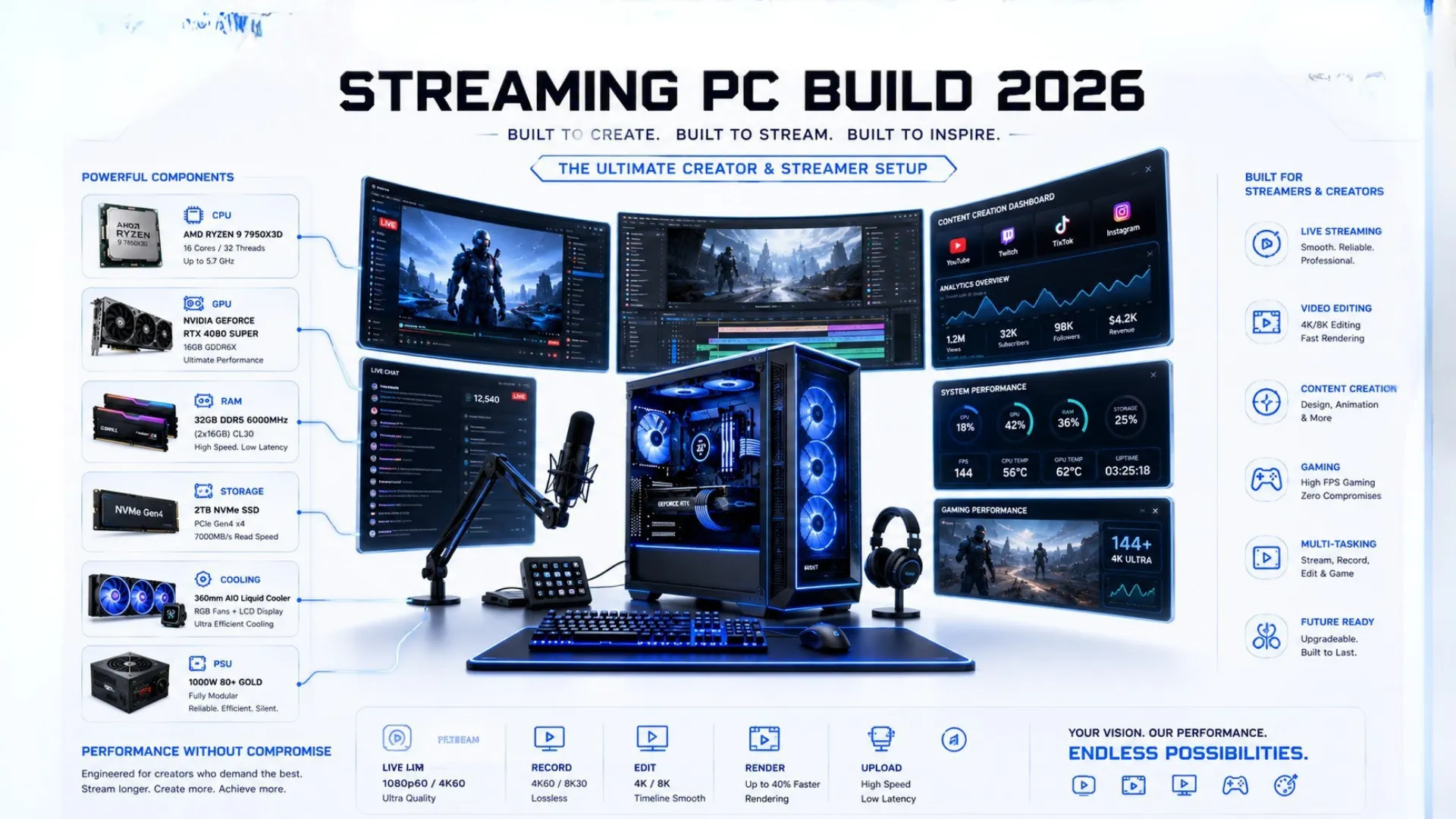
Streaming PC Build: The Best Parts for Streaming and Editing (2026)
A streaming PC build asks for something a little different from a pure gaming rig. When you stream, edit video, or build a workstation, the processor matters more, since encoding and rendering lean hard on CPU cores. This guide shows you how to build a PC tuned for streaming and content creation, with the right balance of cores and graphics power, plus full builds for creators at every budget.
Whether you stream while gaming or edit for a living, you will know exactly which parts to buy. Every key part links to Amazon for the live price.
What a Streaming or Editing Build Needs
A creator build shifts the balance compared to a gaming-only PC. Here is what changes:
- More CPU cores. Encoding a stream and rendering video both love extra cores, so a streaming PC build leans toward stronger processors than a pure gaming one.
- Plenty of memory. 32GB is the sweet spot for creators, giving room to game, stream, and edit at once without slowdown.
- A capable graphics card. It still drives your game frames and speeds up many editing tasks, so it stays important.
- Fast, roomy storage. Video files are large, so fast storage with plenty of space keeps work smooth.
The big shift is toward the processor and memory. To make sure your parts stay balanced, check them in our bottleneck calculator, and to understand the processor’s role in creation, see our guide on the CPU for work, editing, and streaming.

The Streaming and Gaming Build (Around $1,400)
This build games beautifully and streams smoothly at the same time, with enough cores to encode without dropping your frames. The sweet spot for most streamers.
- CPU: AMD Ryzen 7 9700X, 8 cores for gaming plus streaming — check price
- GPU: NVIDIA RTX 5070, strong frames plus encoding — check price
- RAM: 32GB DDR5-6000 CL30 — check price
- Storage: 2TB NVMe SSD — check price
- PSU: 750W 80 Plus Gold — check price
Best for: streaming while gaming, and light video editing.

The Creator Workstation Build (Around $2,200)
When editing and rendering are the main job, cores rule. This build powers through video exports and 3D work while still gaming at a high level.
- CPU: AMD Ryzen 9 9950X, 16 cores for heavy creation — check price
- GPU: NVIDIA RTX 5070 Ti, fast frames and effects — check price
- RAM: 64GB DDR5-6000 — check price
- Storage: 4TB NVMe SSD — check price
- PSU: 850W 80 Plus Gold — check price
Best for: serious video editing, 3D rendering, and a true workstation. Note that here the extra memory at 64GB does help, since heavy creative work uses it, unlike gaming.

Streaming and Editing Builds at a Glance
| Build | CPU + GPU | Best For |
|---|---|---|
| Streaming + Gaming (~$1,400) | Ryzen 7 9700X + RTX 5070 | Stream while gaming |
| Creator Workstation (~$2,200) | Ryzen 9 9950X + RTX 5070 Ti | Editing and rendering |
Prices move, so tap any part for the live price. For pure gaming builds, see our gaming PC build guides, and for the flagship option, our high-end PC builds.
One PC or Two for Streaming?
A common question is whether to stream from one PC or a separate second one. For almost everyone in 2026, a single strong PC is the answer. Modern processors and graphics cards handle gaming and encoding at once with ease, so the old two-PC setup is rarely needed. A capable single build like those above streams and games smoothly, and is simpler and cheaper. Save the two-PC approach for professional, full-time streamers with very specific needs.

Do Not Forget the Rest of Your Setup
A creator build is more than the tower. Budget for the extras that make streaming and editing work:
- A good microphone and webcam, which matter as much as the PC for stream quality.
- A second monitor, which is a huge help for managing your stream or editing timeline.
- Enough storage, since video projects fill drives fast.
Before buying, confirm your parts fit and work together with our PC compatibility checker, size your power supply with the PSU calculator, and if you are new to assembling, follow our how to build a PC guide. New to the parts? Start with PC parts explained.

Frequently Asked Questions
What is the best PC build for streaming?
For most streamers, a build with the Ryzen 7 9700X and RTX 5070, plus 32GB of DDR5, games and streams smoothly at once. Its 8 cores handle encoding without dropping your frames, around $1,400 for the tower.
Do I need a powerful CPU for streaming?
Yes, more than for pure gaming. Encoding a stream leans on CPU cores, so a streaming build favors a stronger processor. An 8-core chip is the sweet spot for streaming while gaming, with more cores for heavy editing.
How much RAM do I need for streaming and editing?
32GB is the sweet spot for streaming and light editing, giving room to game and stream at once. For heavy video editing and rendering, 64GB helps, since creative work actually uses that much, unlike gaming.
What is the best PC build for video editing?
A workstation build with the 16-core Ryzen 9 9950X, an RTX 5070 Ti, 64GB of RAM, and fast roomy storage powers through editing and rendering. Cores matter most for export and render times.
Do I need two PCs to stream?
No, not anymore. A single strong PC handles gaming and encoding at once with ease in 2026. The two-PC setup is rarely needed, and is best left to professional full-time streamers with specific needs.
Is a gaming PC good for editing too?
A strong gaming PC handles light editing well, but heavy editing favors more CPU cores and memory. If editing is a main task, a creator build with a higher core count and 64GB of RAM is the better choice.


